
Grimveld on your phone
Grimveld in your pocket
The whole game runs in your phone's browser: the same world, the same account and the same characters as the Windows client. No app store and no download. Open app.grimveld.com, add it to your home screen and play full screen.
The world opens on Fri, 4 December 2026 at 18:00 CET. Create your account here, then log in on your phone.
Android and iPhone, held sideways

Built for your thumbs
Every control was made for touch, and every window comes from the desktop client, so it looks and plays like the game you know.
Fight by touch
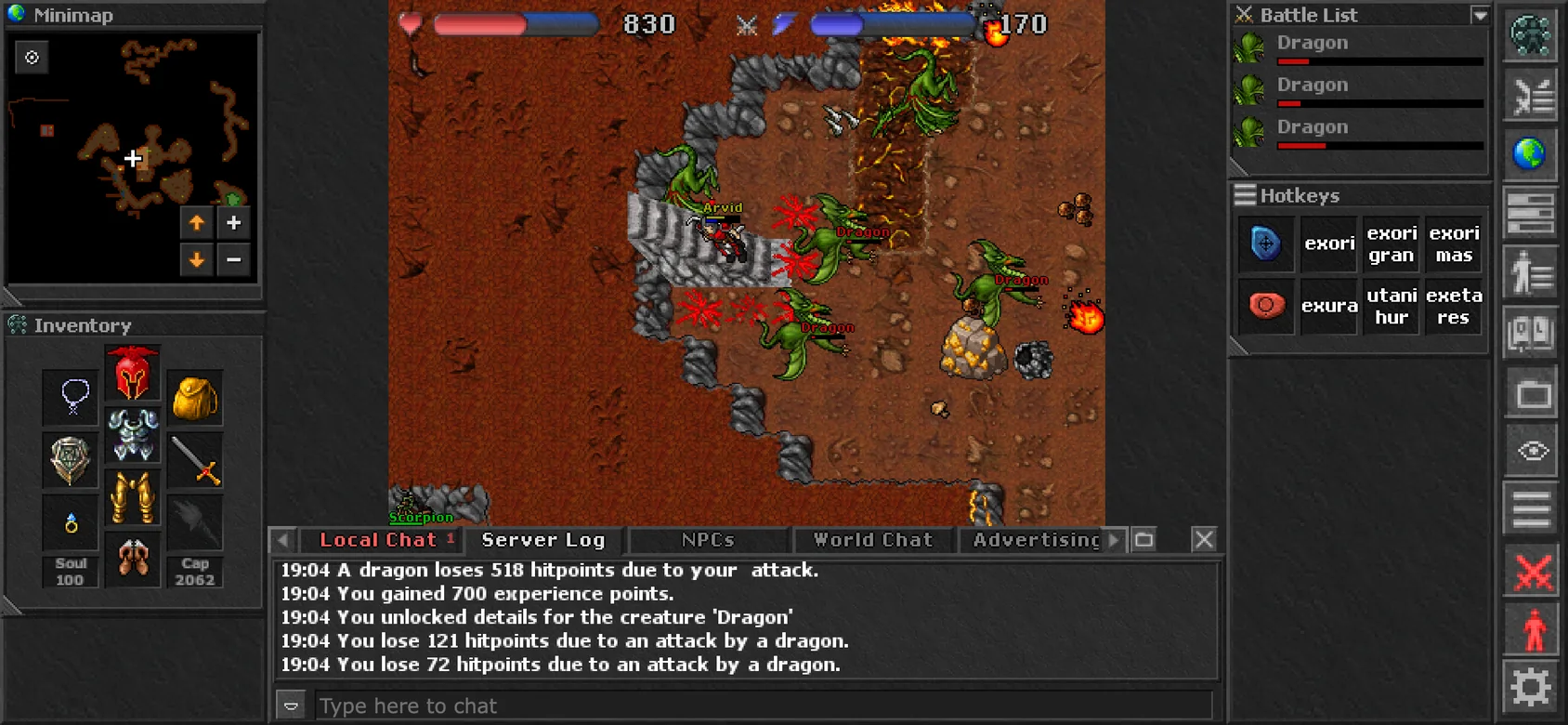
Tap a creature to attack it, tap the ground to walk there or steer with the stick. Spells, runes and potions sit on up to 20 hotkeys: a strip, a bar or single icons wherever your thumb wants them.
Trade like on the desktop
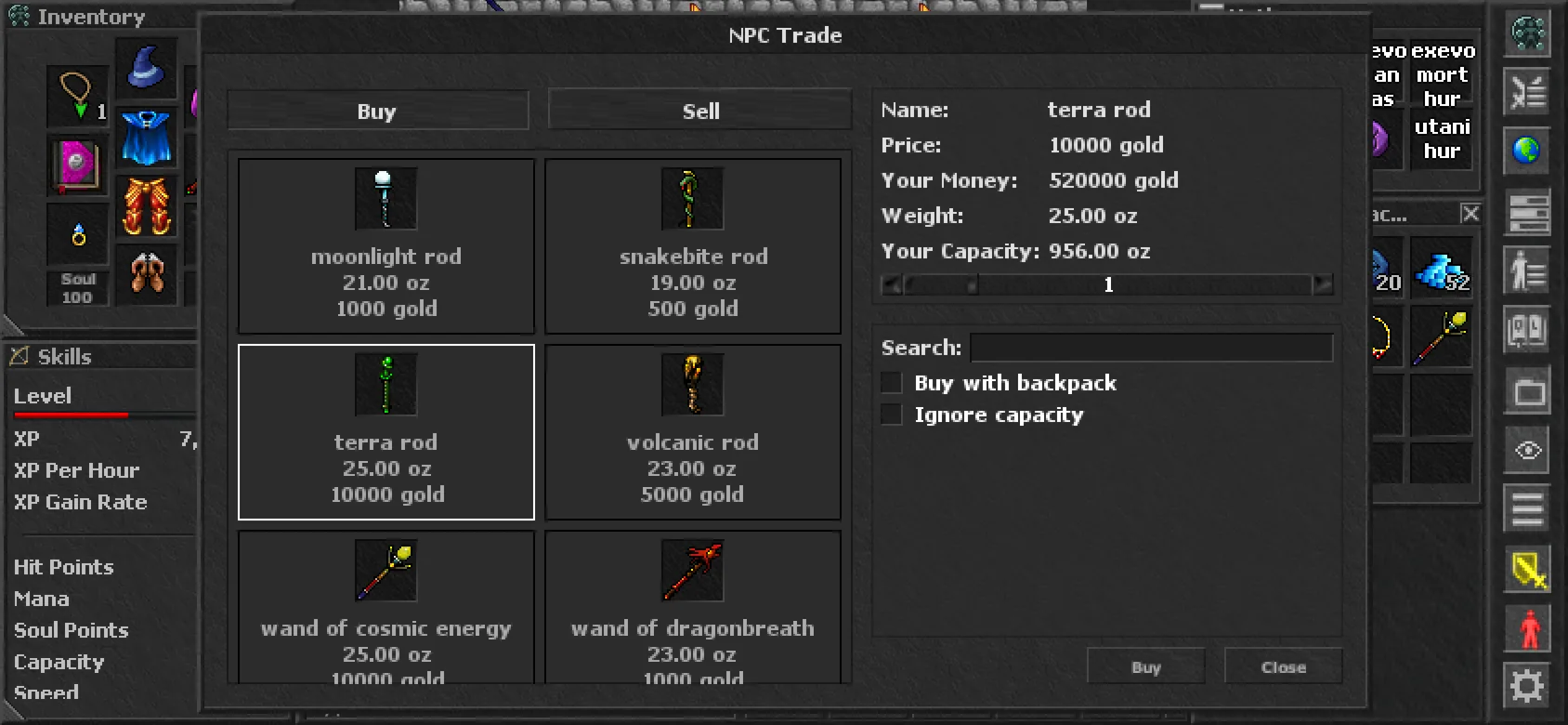
Say Hi with one button, then pick the NPC's keywords as chips instead of typing. NPC Trade and player Trade use the desktop's windows, with a slider for amounts.
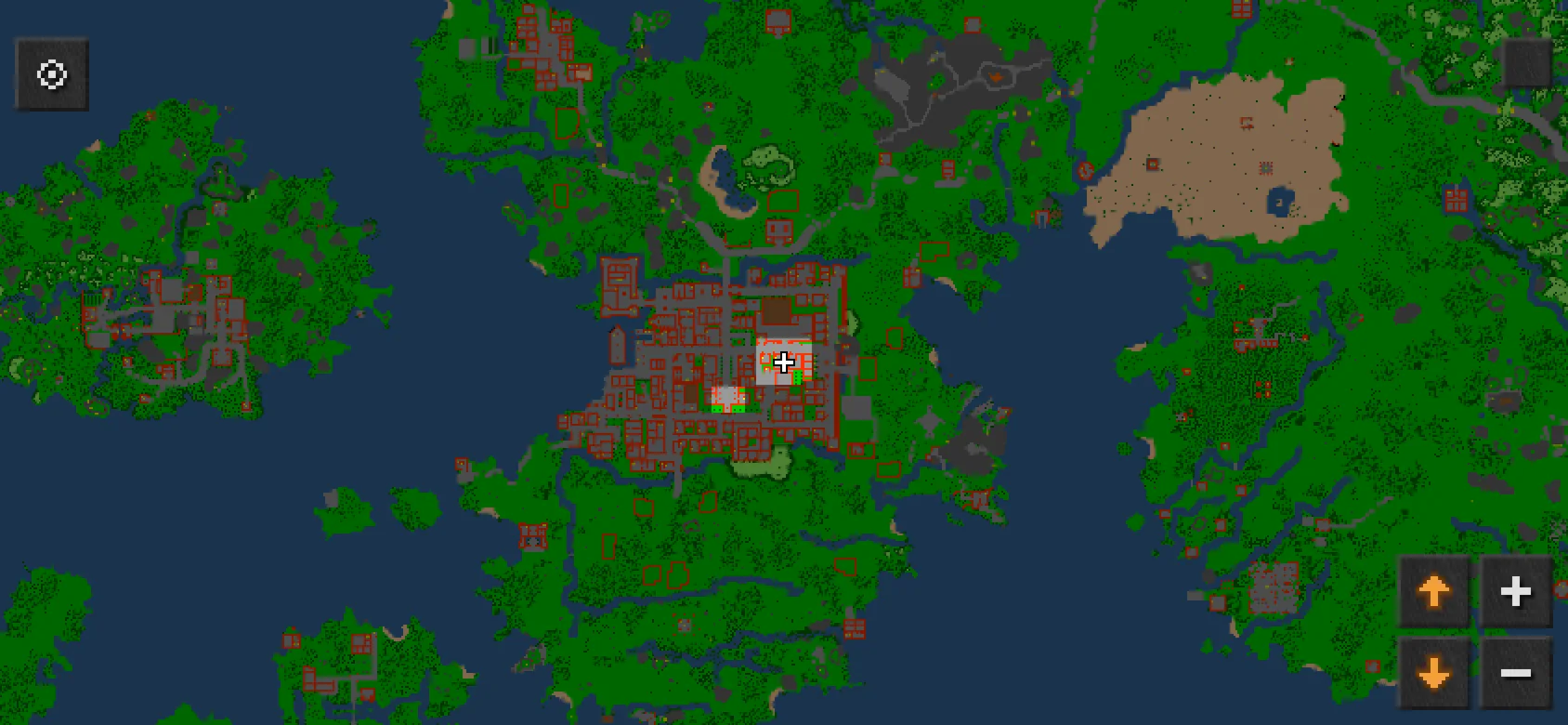
The full map in one press
The minimap sits in the corner. Hold it for the full-screen map, zoom it and hold anywhere to set a mark.
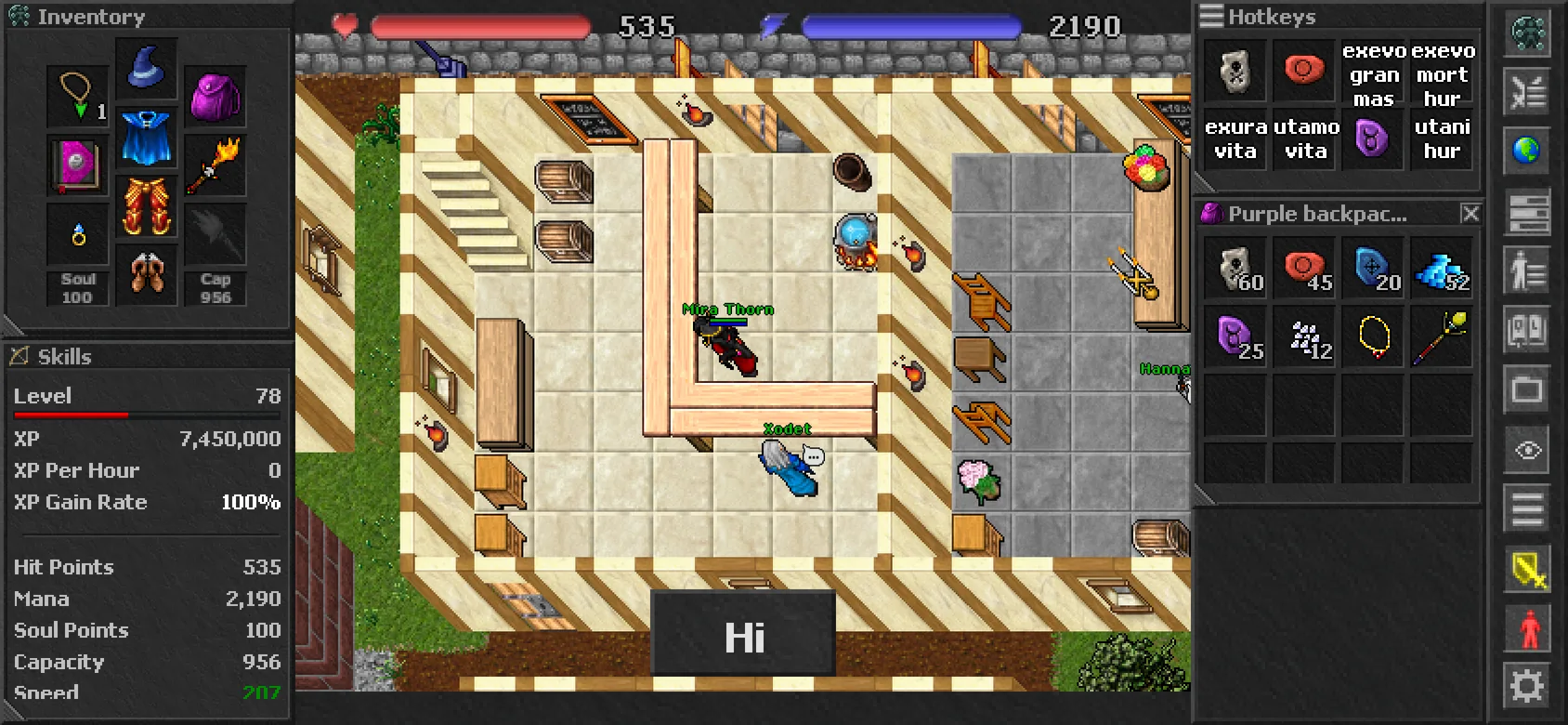
Your windows, your layout
Two side panels hold the desktop's windows: Inventory, Battle, Skills, VIP, Quest Log and every backpack. Drag them between panels, resize them from the bottom edge and keep a second page of them on each side.
One world, one account
Log in with the account you made on this site and pick any of your characters. Log out on the PC, log in on the phone and carry on where you stopped.
Answered a message or locked the screen? Come back and the game logs you back in.
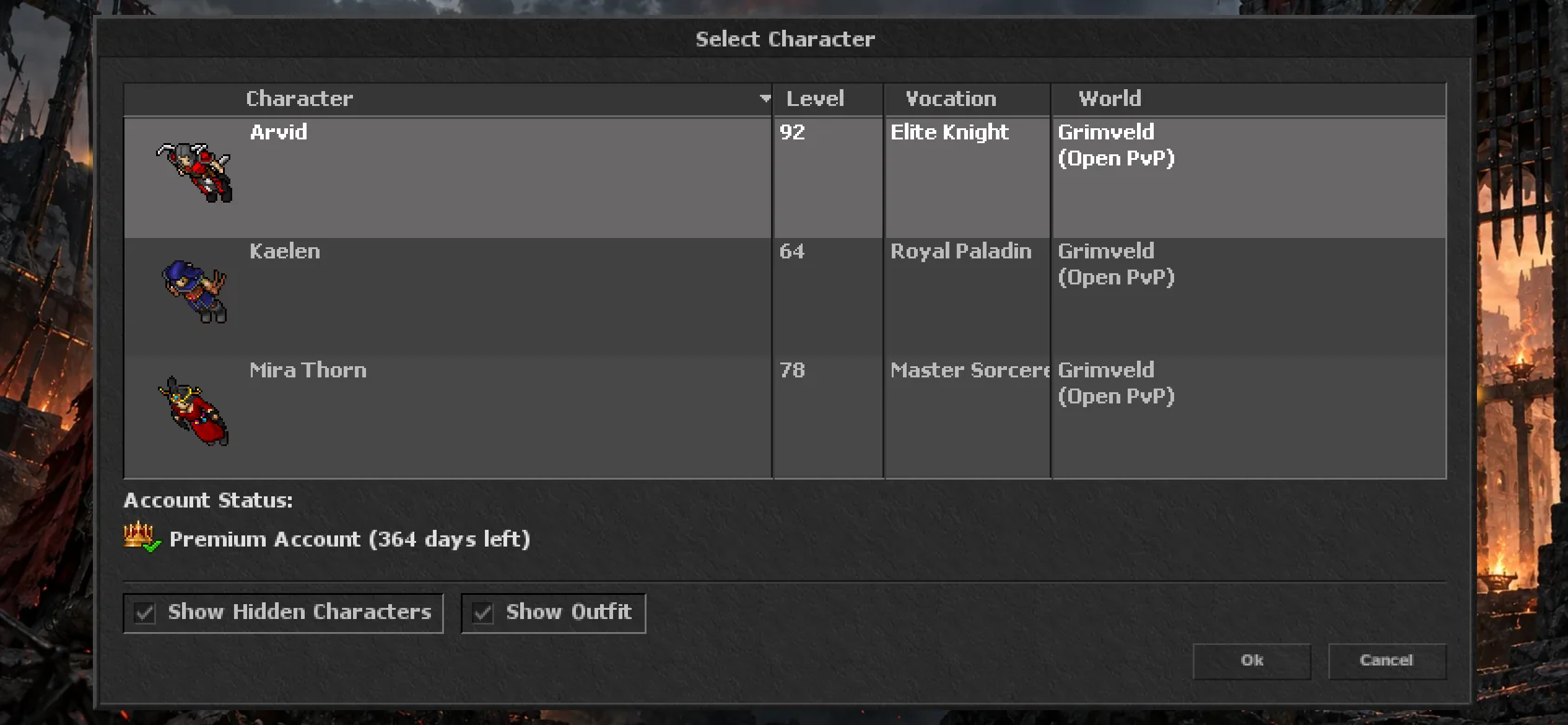
Phone players are ordinary characters: no bonuses, no protection and no mark by the name. A phone that goes to the background leaves its character in the world, like a PC that lost its connection, so don't walk away in the middle of a hunt.
Install it in seconds
Installed, Grimveld opens full screen from its own icon on your home screen. The app shows you the steps the first time you open it.
Android
- Open app.grimveld.com in Chrome.
- Tap Install. No button? Open Chrome's menu (the three dots) and tap Install app or Add to home screen.
- Start Grimveld from its icon and turn your phone sideways.
iPhone and iPad
- Open app.grimveld.com in Safari.
- Tap Share (under the three dots when you don't see it), scroll down to Add to Home Screen, then tap Add.
- Start Grimveld from its icon and log in once more: the home-screen app keeps its own settings.
Opened the link in TikTok, Instagram or Discord? Their built-in browsers can't install apps, so Grimveld shows you how to open it in Safari or Chrome.
Open the appGood to know
- Android phones with Chrome, and iPhones and iPads with Safari.
- Grimveld plays with the phone held sideways.
- It needs an internet connection: Wi-Fi or mobile data.
- The map only redraws when something changes, which spares your battery.
- Prefer a keyboard? The Windows client plays on the same world.
